
How to use Jamboree at local stores and events to reach more people and raise more funds.
This guide contains everything your sellers and chaperones need for a great day selling outside stores and events (aka Storefronts).
Use it to:
- Prepare sellers for their shifts
- Help chaperones know what to bring and do
- Keep everyone safe and organized
- Make the most of your selling time
Share the checklists with your chaperones before each shift, and keep a copy on hand during sales. Let's get started!
Before Your Shift
- Charge your phone
- Wear organization gear or team uniform
- Know your products and prices by heart
- Bring weather-appropriate gear
Setup
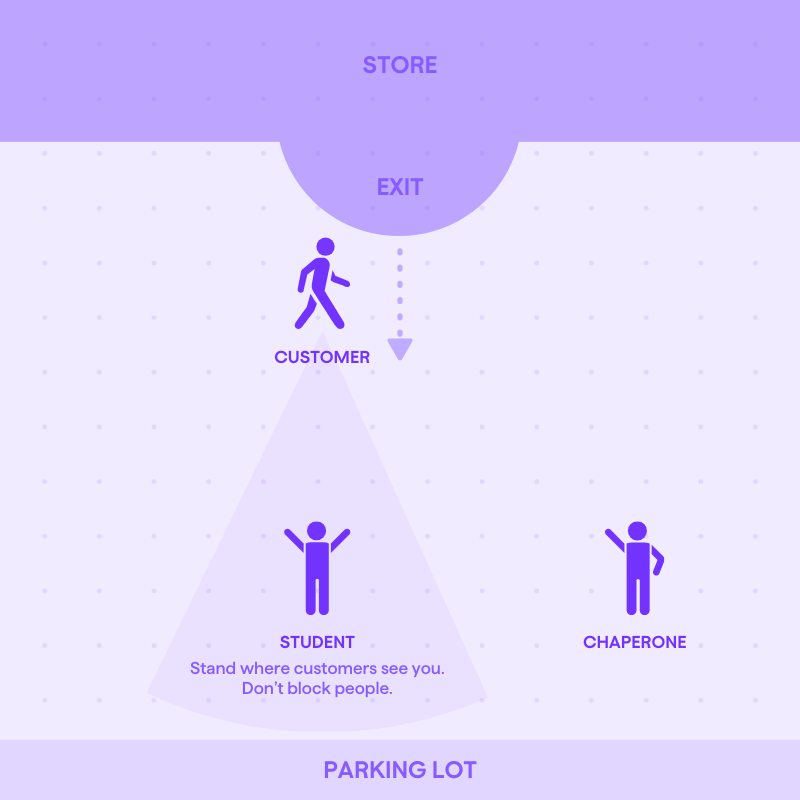
- Stand near store exits
- Make sure customers can see you
- Don’t block foot traffic
- Hold sign at chest level
Testing App Checkout
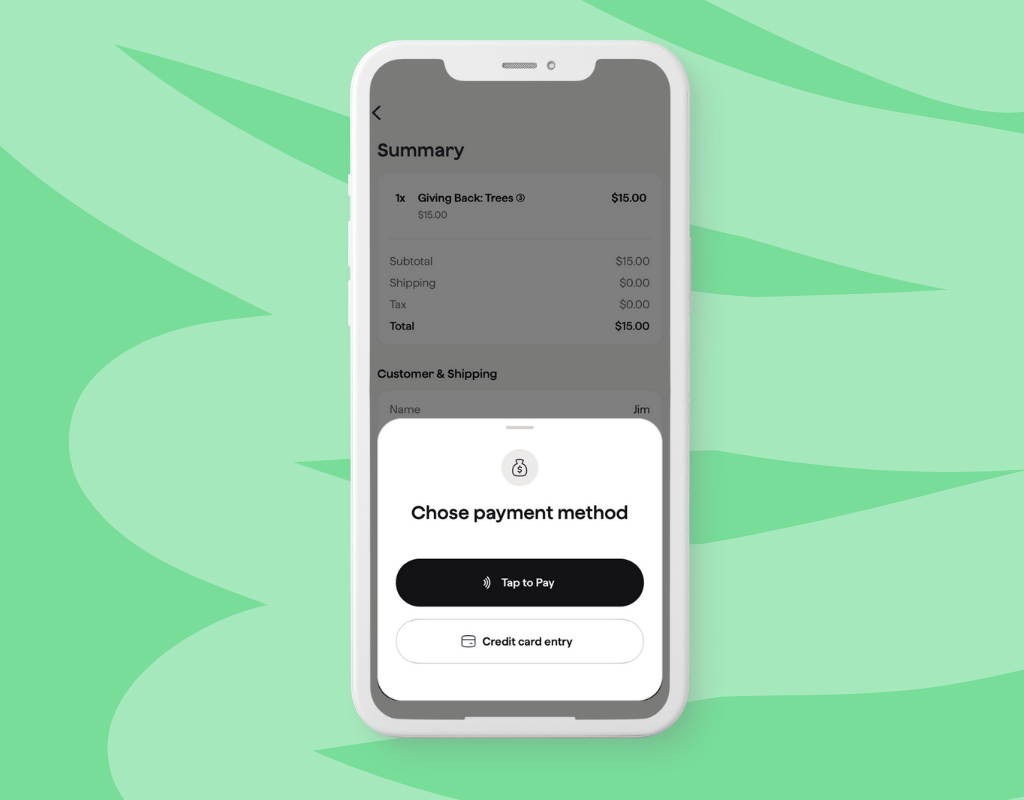
- Sign in to Jamboree
- Add items into your cart and click Checkout
- Test “Check out on This Device”
- Enter your contact information to test
- Note: This will be the customer's information for a real sale.
- Select "Pay"
- Follow the prompts to set up Tap to Pay
- Once you're set up Tap to Pay, clear out and cancel the test order
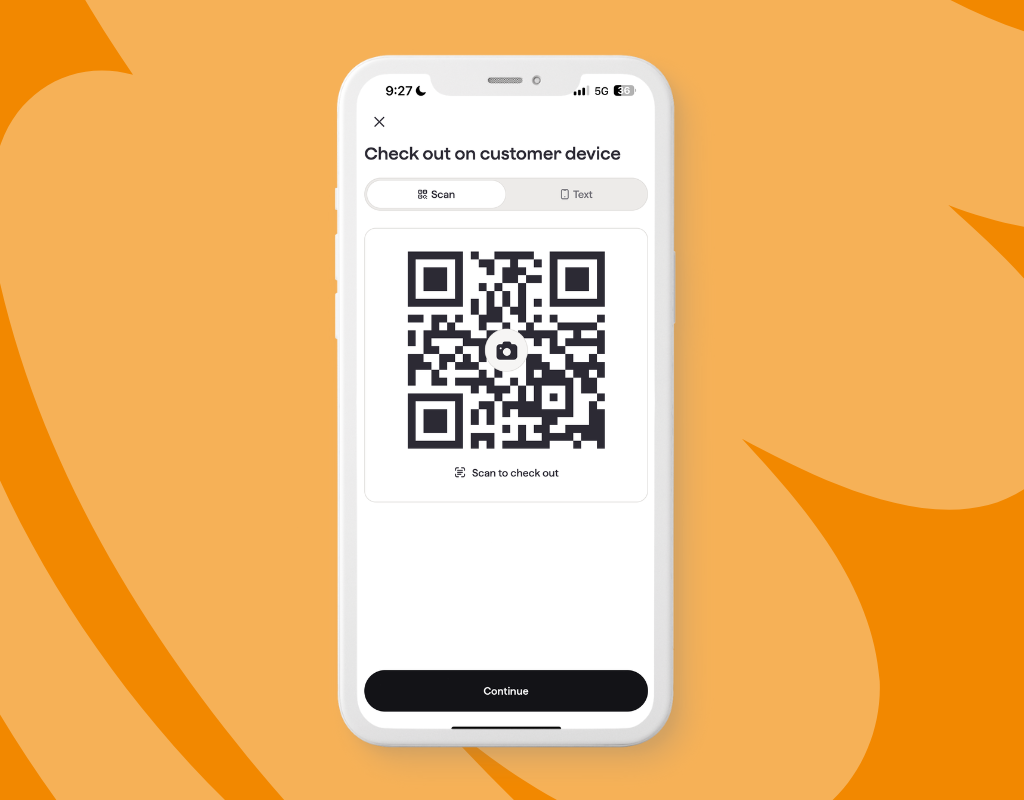
- Test “Check out on Customer device"
- Have customers scan QR code using their phone’s camera
- Use the “Send via Text” option if QR code isn’t working
- Help customers complete check out on their devices as needed
The Perfect Pitch
- Step forward toward customers
- Keep it short: “Hi! Would you like to support our team and help us plant trees? $20 does both!”
- Look customers in the eye
- Smile and be confident
- When someone says no:
- If they say "no cash" → "No problem! We only accept credit or Apple Pay and Google Pay."
- Always end with → "Thanks anyway, have a great day!"
Safety Essentials
- Jamboree is a cashless fundraiser for your safety
- If someone wants to support you with cash, thank them and politely ask if they would be comfortable using a card or Apple/Google Pay
- Chaperones must always:
- Keep sellers in sight at all times
- Track all transactions as they happen
Remember!
- Stay positive — not everyone will buy, and that's okay!
- Don't judge by appearance — anyone could be your next supporter
- Be polite to store staff — they're helping you succeed
- Never be pushy — represent your organization with pride
Chaperone Checklist
Before You Arrive
- Charge your phone
- Download & sign into Jamboree
- Confirm all sellers have Jamboree
- Pack backup phone battery + cable
- Check weather forecast
- Have store manager contact info
Bring With You
- Water bottles
- Light snacks
- Sunscreen/weather gear
- Sales tracking sheet
- Signage
Setup
- Arrive 10-15 minutes before your shift
- Stand near exit doors
- Test Jamboree checkout on your devices
During the Sale
Essential Tasks:
- Keep sellers in sight at all times
- Track all transactions in Jamboree
- Handle any customer concerns
Optional but Helpful:
- Take group photos (with permission)
- Note what sales tactics work best
End of Shift
- Make sure nothing is left behind
Questions? We're here to help.
If you’d like more help getting ready, send us a note!
Ready to Fundraise Smarter?
Download the Jamboree Fundraising App Today
Related posts

Fundraising - 4 min read
In Your Sports Mom Era: Fundraising Ideas for Sports Teams
[TheCityMoms] Tired of fundraising chaos? Explore modern fundraising ideas for sports teams, schools, and families looking to fund their activities.
In Your Sports Mom Era: Fundraising Ideas for Sports Teams
Fundraising

Fundraising - 4 min read
The Biggest Fundraising Mistakes Youth Sports Teams Make
[TheCityMoms] Every sports mom will tell you: fundraising is a required part of youth sports, school activities, and community programs — but it doesn’t have to be messy, awkward, or feel like a full-time job.
The Biggest Fundraising Mistakes Youth Sports Teams Make
Fundraising